
Legacy simulator benchmark, with up to ten people.
THE EON PLATFORM
Explore the connected
product family.
See what each product helps a person do, then connect it to an Aerospace learning task.
Public product descriptions and illustrative Aerospace scenes. Workspace access is separate; the proposed applications below are not completed Aerospace deployments.
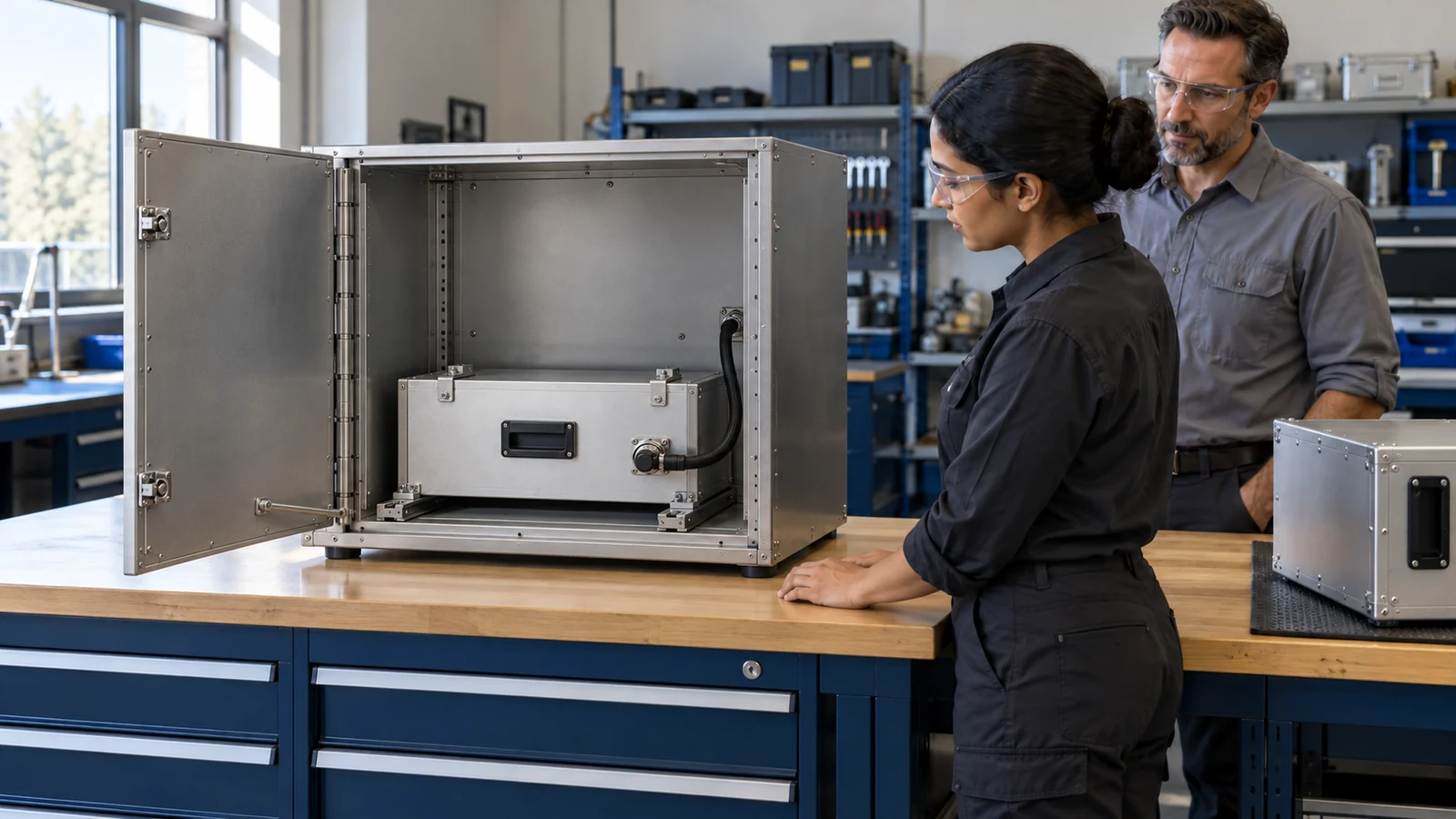
Build the equipment context
EON Universal
Bring equipment geometry, drawings and source knowledge into a shared twin.
Explore the product ↗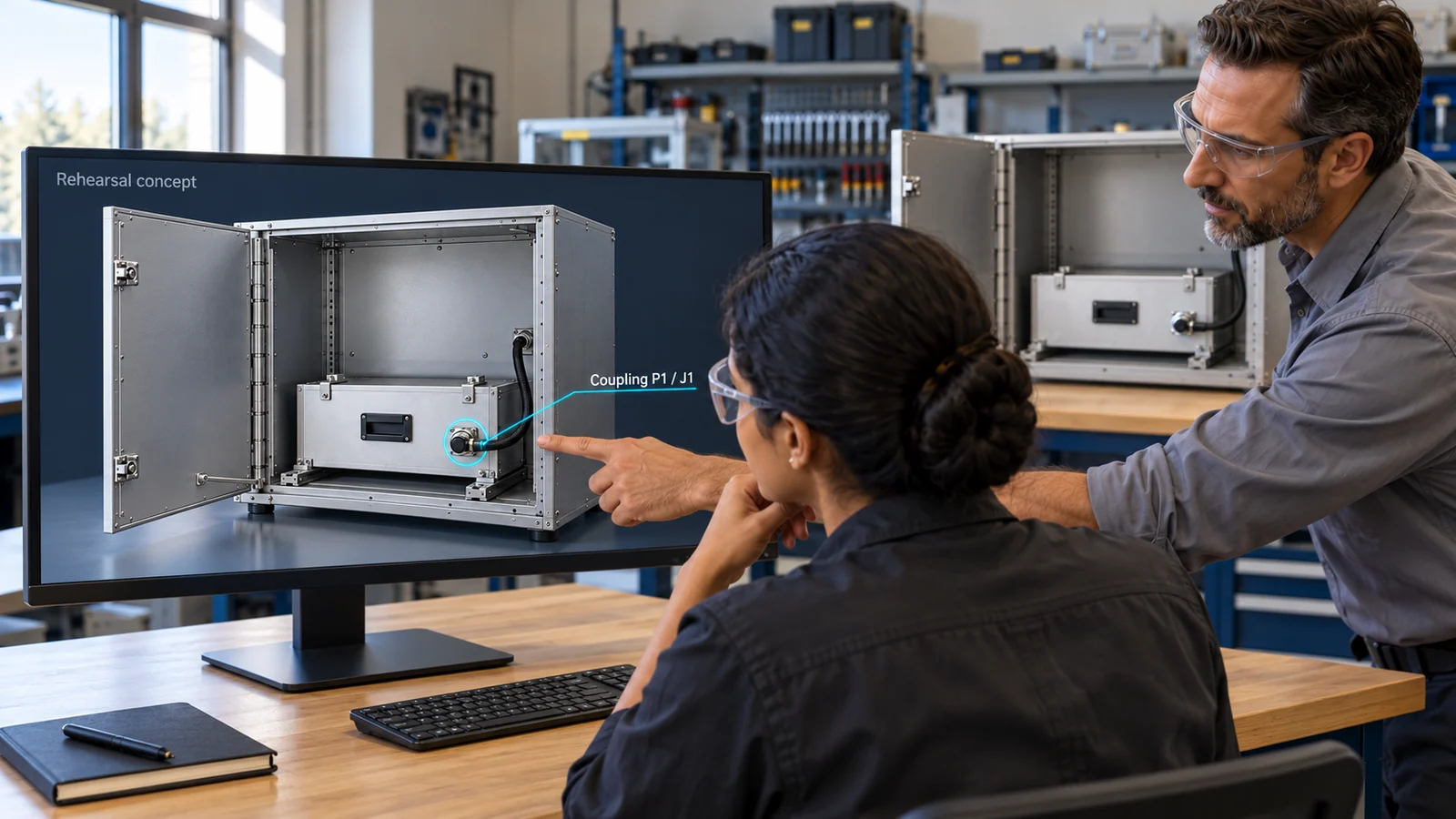
Rehearse the decision
Genesis & XR Infinite
Build interactive practice from a reviewed procedure and its decisions.
Explore the product ↗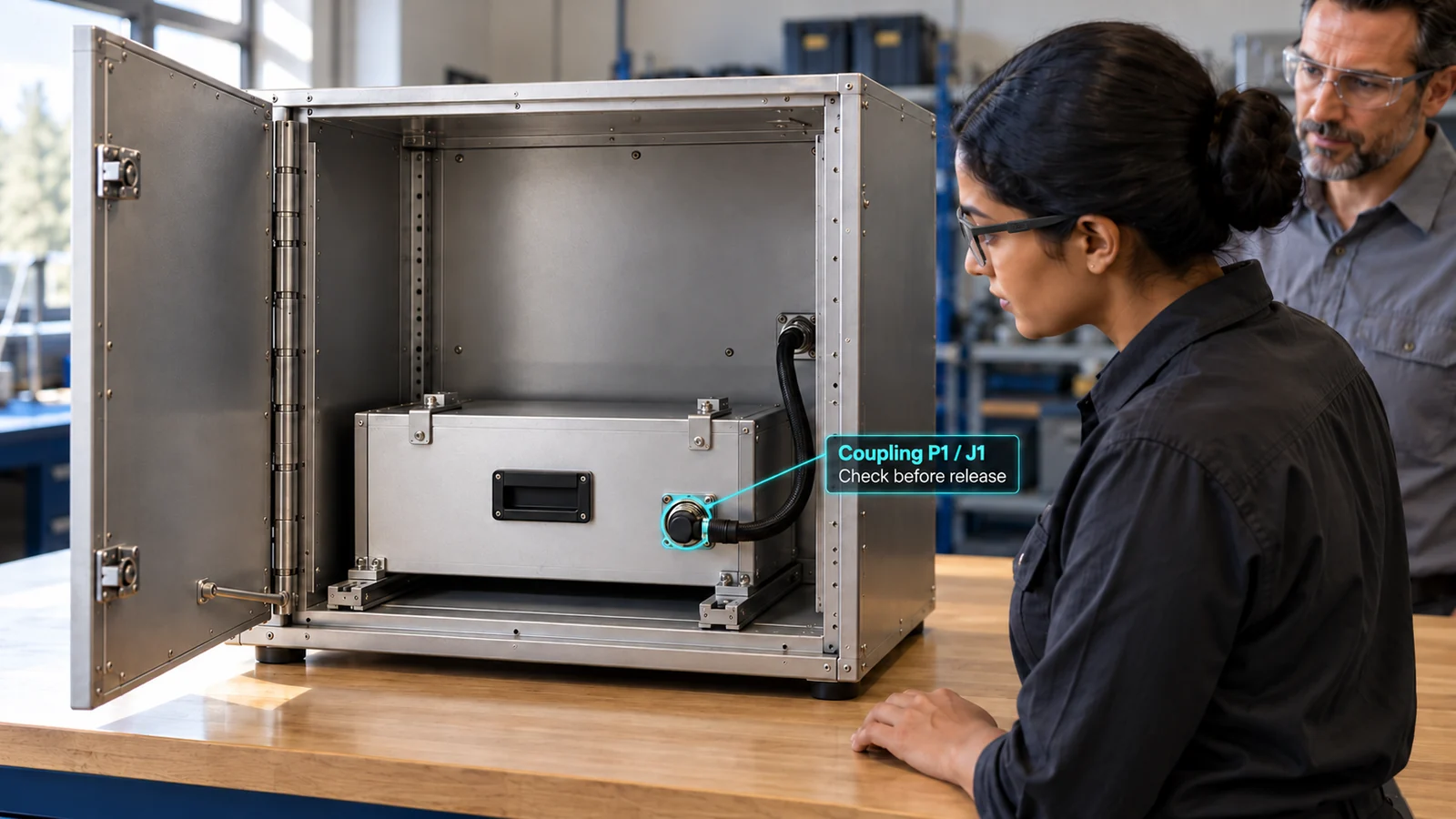
Assist supervised work
Field-IQ & Edge
Deliver guidance and capture task evidence at the point of work.
Explore the product ↗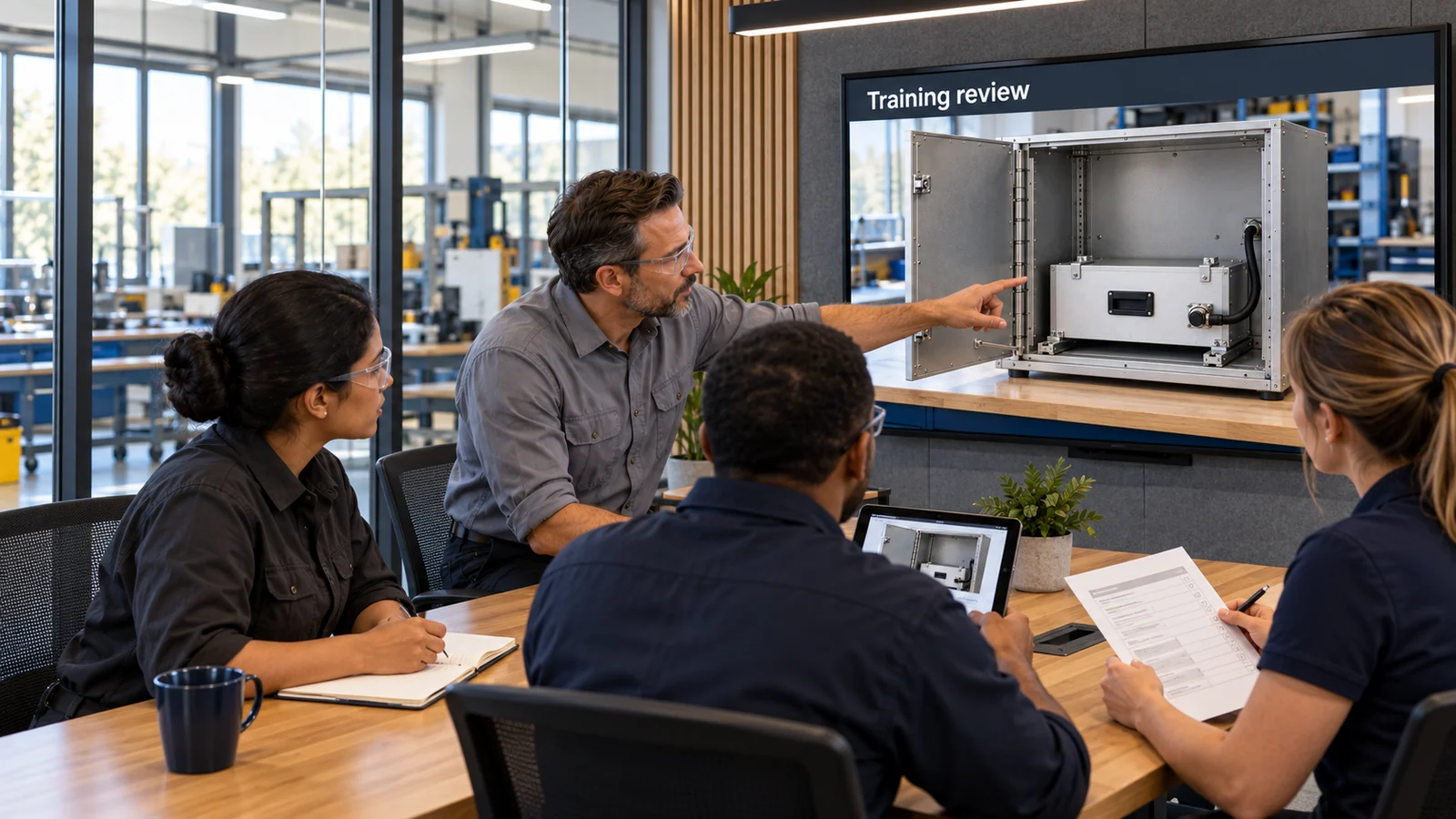
Explore system behaviour
EON Live & Control Room
Explore dynamic equipment behaviour and coordinated decisions in simulation.
Explore the product ↗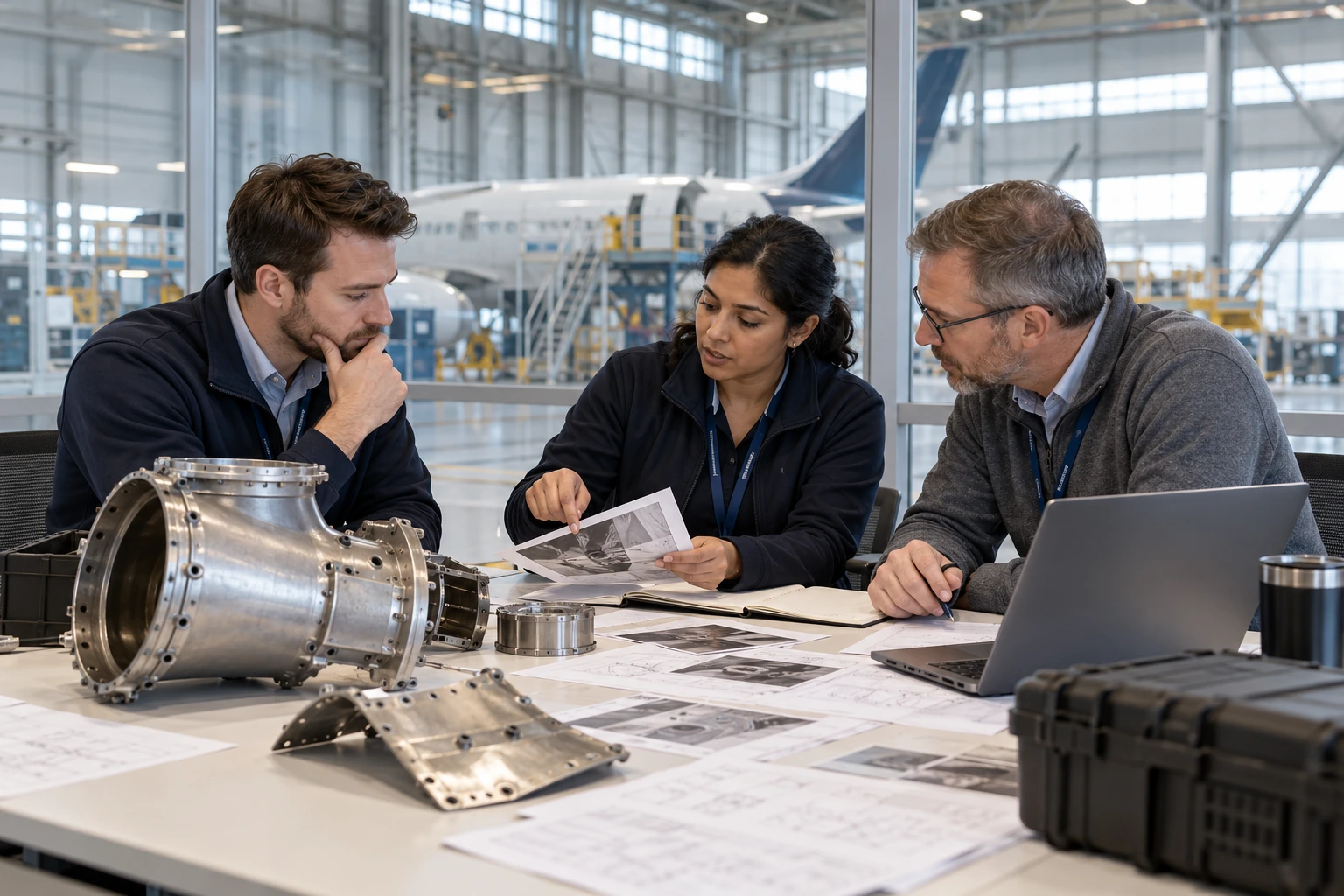
Practise an exception together
Situation Room
Run incident scenarios and examine the team’s decisions.
Explore the product ↗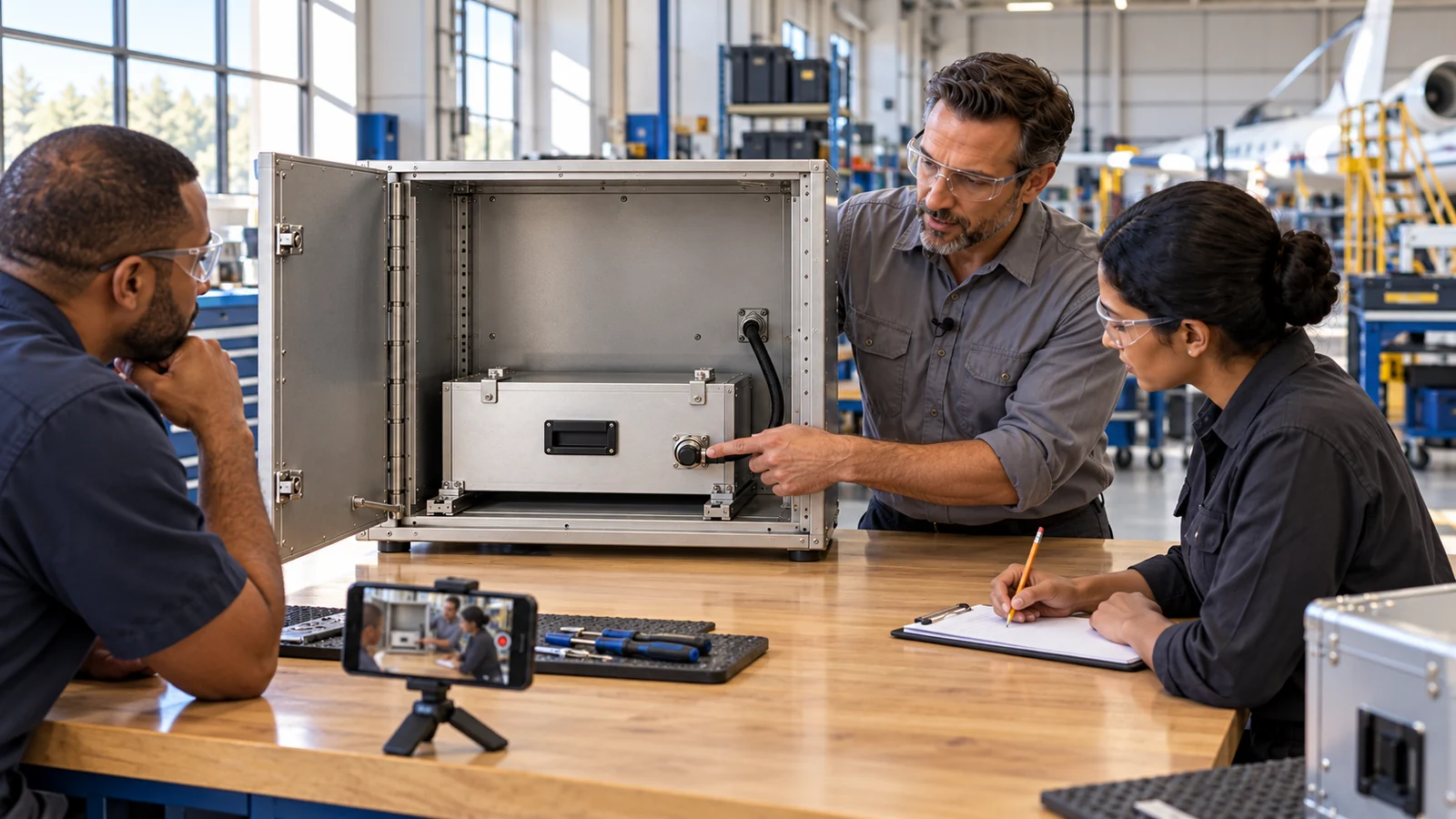
Keep expert reasoning
Tacit & Brainy
Capture tacit experience and support coached conversations.
Explore the product ↗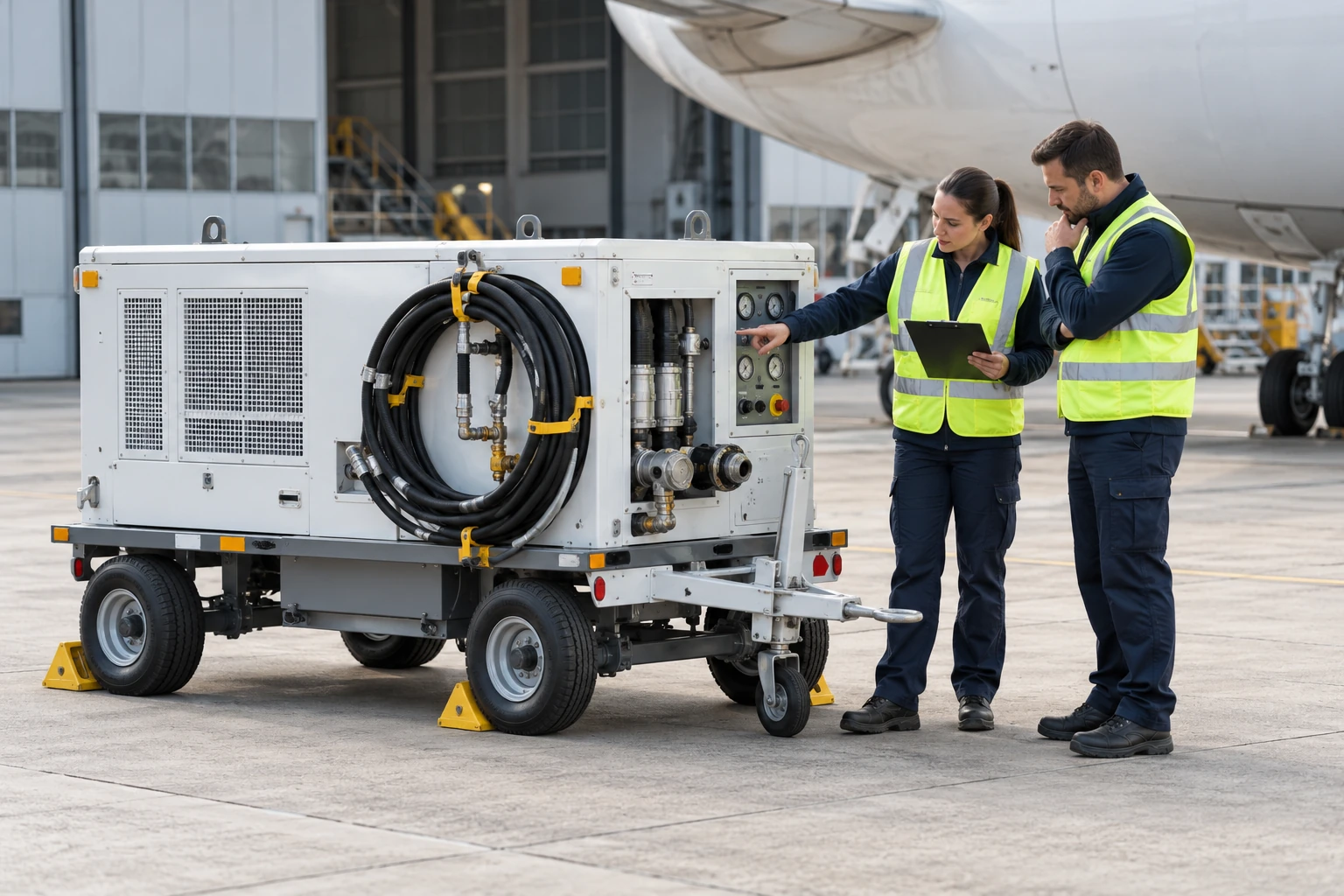
Prepare the work
Permit IQ
Organise work controls, permissions and sign-offs before starting.
Explore the product ↗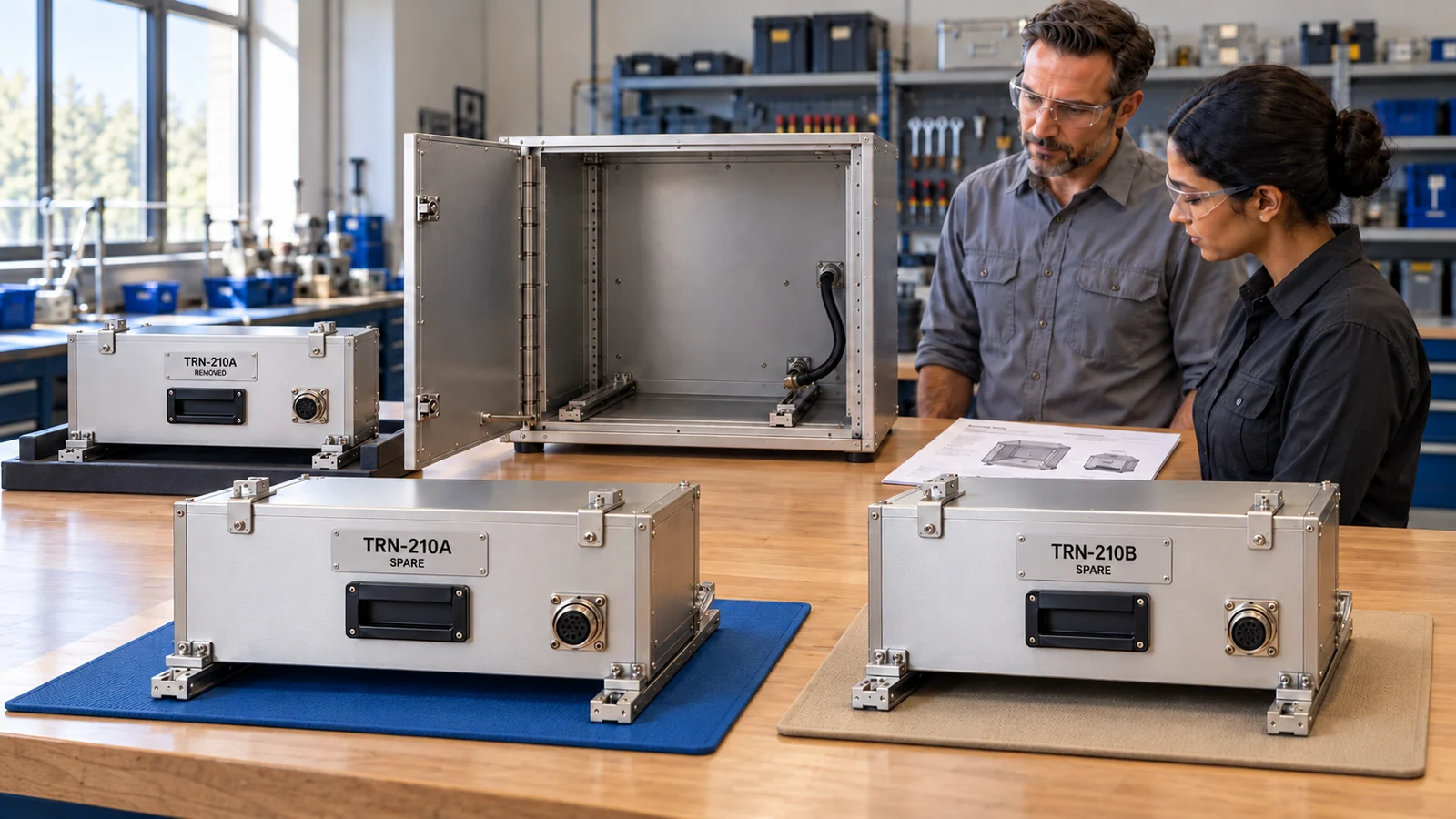
Review the evidence
Assess IQ
Compare task execution with the plan and agreed assessment criteria.
Explore the product ↗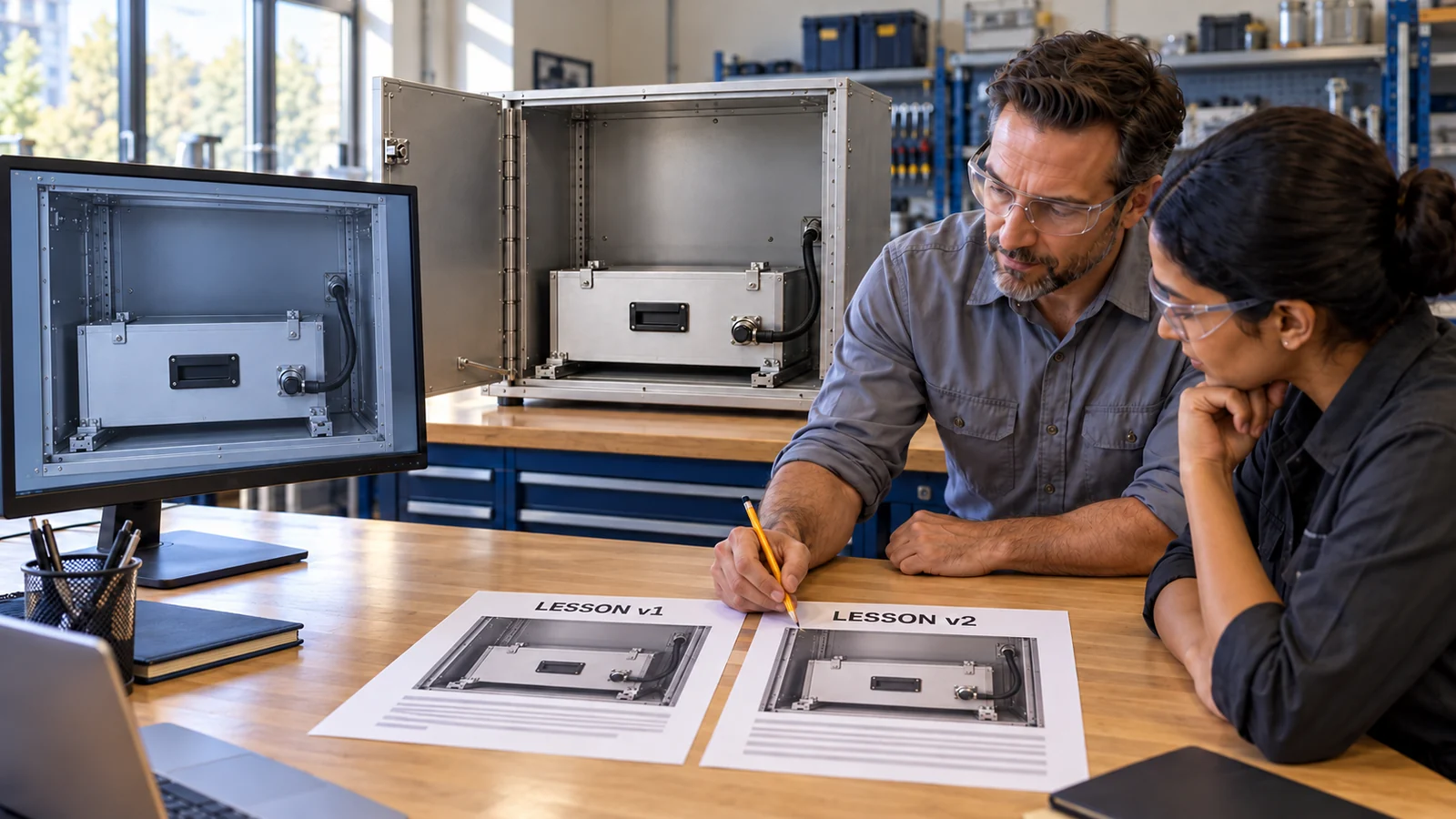
Carry learning forward
Compound IQ
Turn gaps between the plan and the observed work into reusable learning.
Explore the product ↗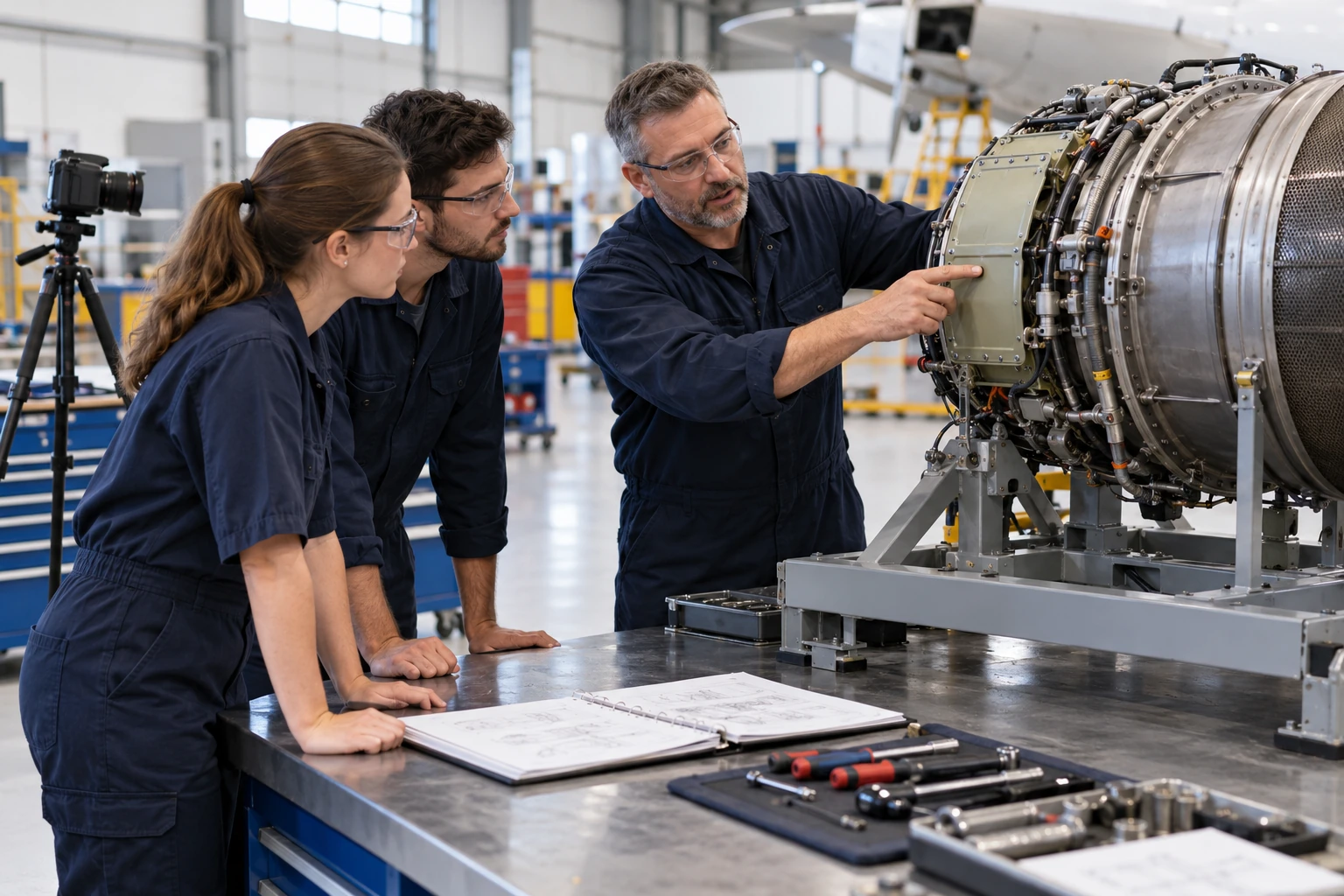
Review what becomes knowledge
The Distillery
Validate and govern knowledge before returning it to the twin.
Explore the product ↗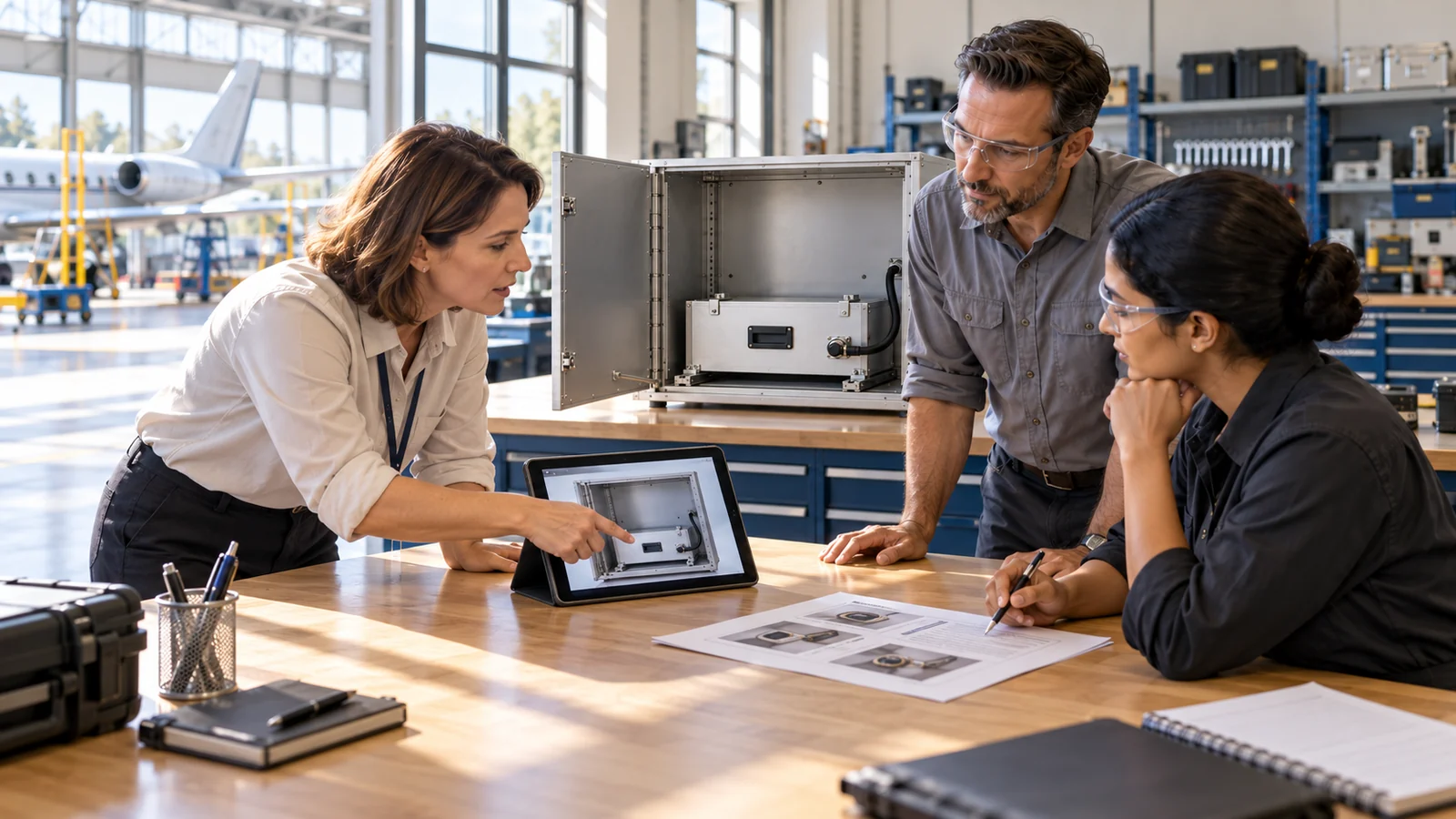
Connect learning with competence
Competence IQ
Organise evidence of a person’s ability to perform the defined work.
Explore the product ↗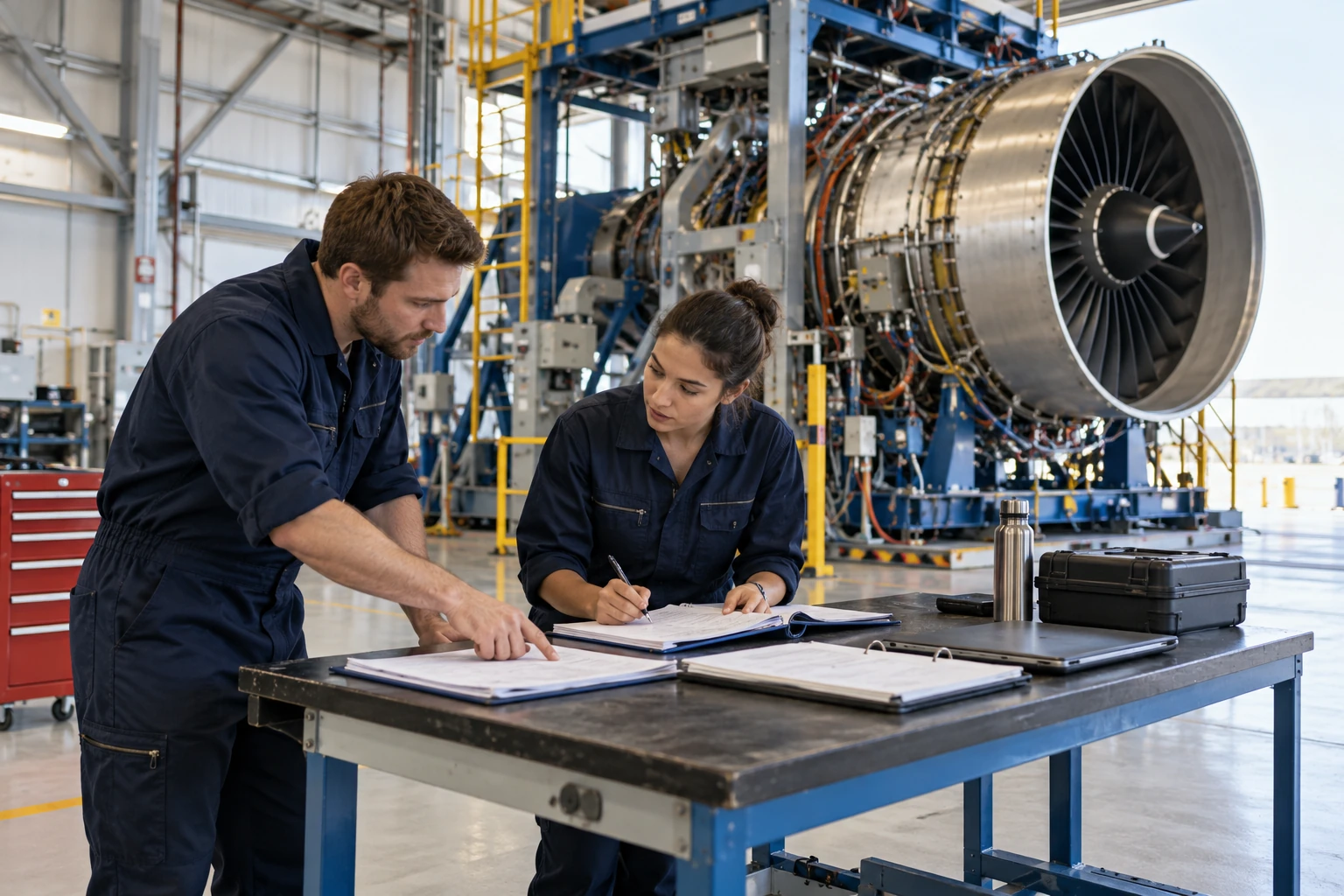
Connect the platform
EON Control
Coordinate the platform and its flow of work intelligence.
Explore the product ↗Product family: public EON overview ↗. Equipment context: public EON Universal overview ↗. Images illustrate training contexts rather than product interfaces.
ONE HUMAN-REVIEWED LEARNING LOOP
The next lesson starts
with what you learned.
Explore how one task moves from a permitted source to practice and an approved teaching improvement.
DIGITAL TWIN / SOURCE + REVIEW
Confirm the lesson before it is taught.
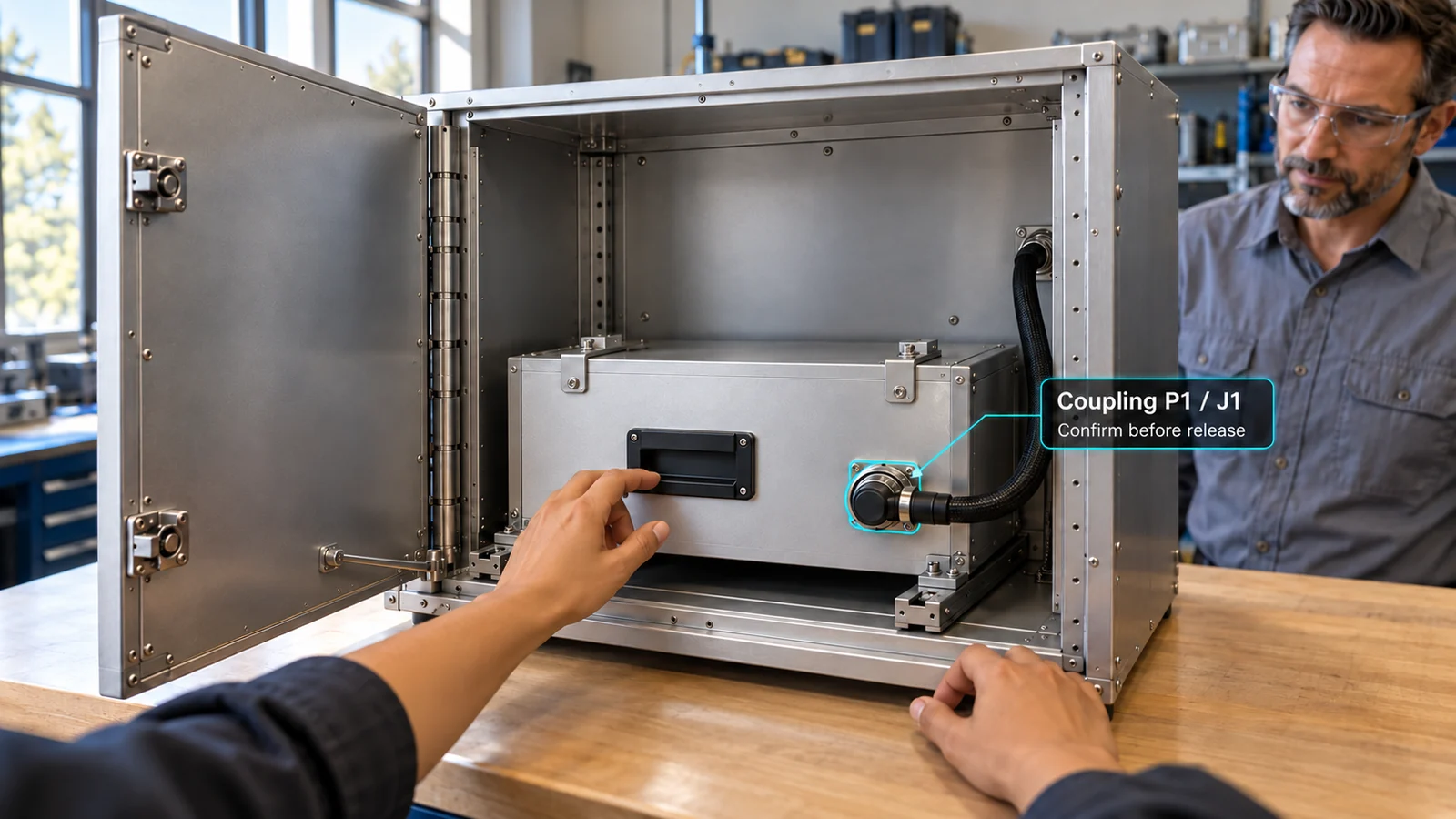
Identify the training article, permitted sources and lesson revision. A qualified instructor reviews the sequence and the evidence required.
WORK LOOP / AT THE EQUIPMENT
Guide. Assist.
Assess. Capture.
Context belongs beside the component and the action. Use a phone or a suitable spatial device to support the supervised exercise, with the instructor retaining the assessment decision.
Illustrative device and guidance concept. The selected task and device behaviour must be demonstrated in the pilot.
A SEPARATE DEVELOPMENT PATH
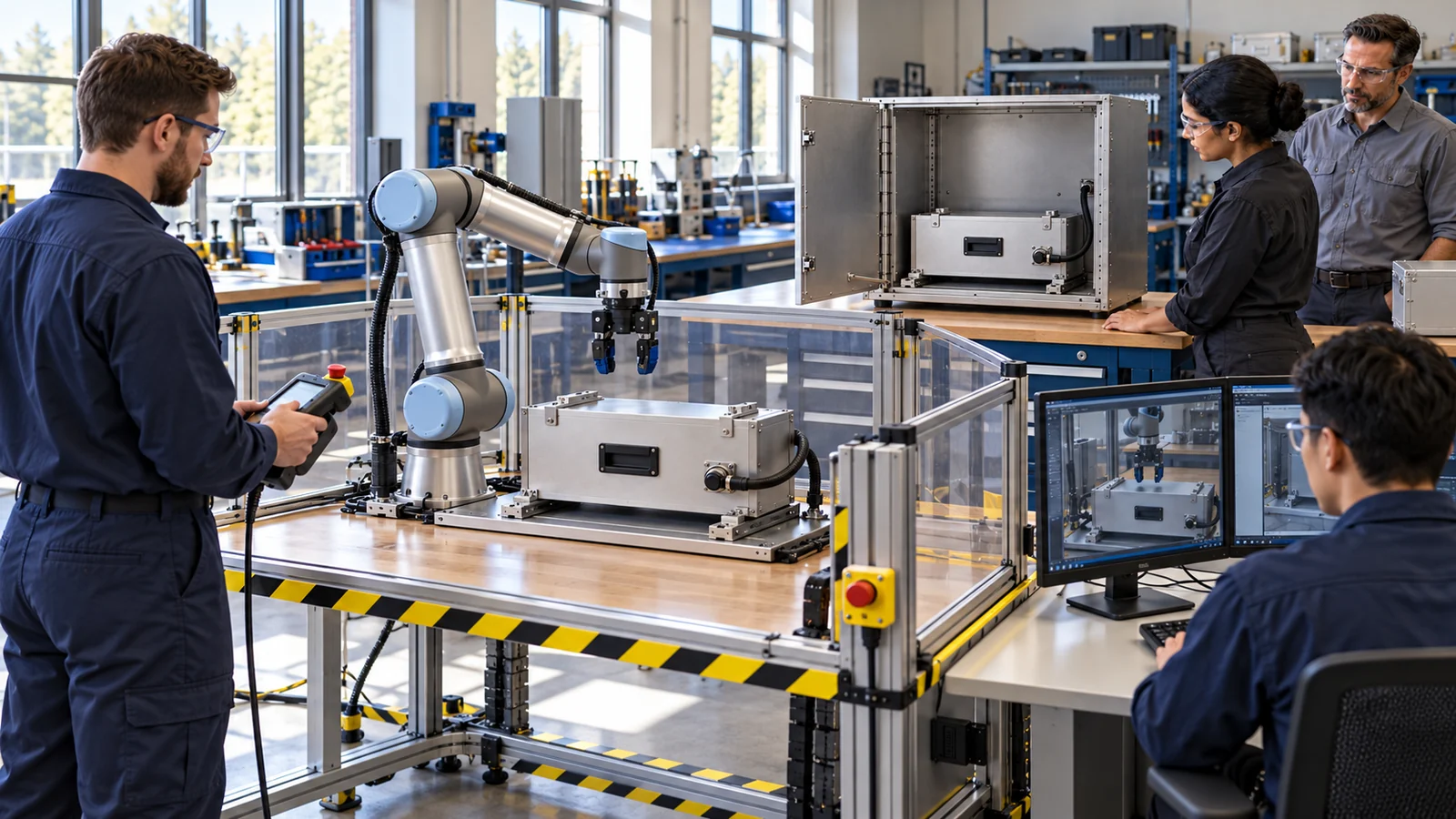
Teach people today.
Evaluate robot tasks deliberately.
A future partner research stream could test a bounded task on specific hardware, with sensing, limits, recovery and qualification evidence. It sits outside the first training pilot.
SCOPE THE BENCHMARKS
Speed is a stage.
Validation is a responsibility.
EON parent benchmarks describe different parts of the workflow. They are not measured Aerospace pilot results.
Genesis mostly automated authoring benchmark. Preparation, validation and release add time.
Field-IQ benchmark to start contextual guidance. Task completion and qualification remain separate.
START WITH ONE LESSON
Bring one permitted photo.
And one procedure.
Let’s define the equipment, learner decision and evidence for a useful Aerospace demo clinic.
Join the demo clinic ↗GO DEEPER
Product routes and access.
MODEL CREATION
Mirror Direct
Reuse source geometry and consistent references before reconstructing a concept model.
Explore Mirror Direct ↗REHEARSAL
Genesis
Follow the brief for a meaningful hold, recovery and scored task; the Aerospace task awaits development.
Explore Genesis ↗AT THE ARTICLE
Field-IQ
Review the product walkthrough and define supported device/source behaviour in the pilot.
Explore Field-IQ ↗